
Learnbot
FreeNot checkedAI chatbot orchestrator — personas, safety-guarded conversations, TTS, VRM avatar, structured language lessons (any language, deep Japanese/JLPT)

About
AI chatbot orchestrator — personas, safety-guarded conversations, TTS, VRM avatar, structured language lessons (any language, deep Japanese/JLPT)
README




AI chatbot orchestrator — personas, safety-guarded conversations, spoken TTS, an interactive VRM avatar, and structured language lessons (any language, with deep Japanese/JLPT support) — all logged and auditable.
Preview
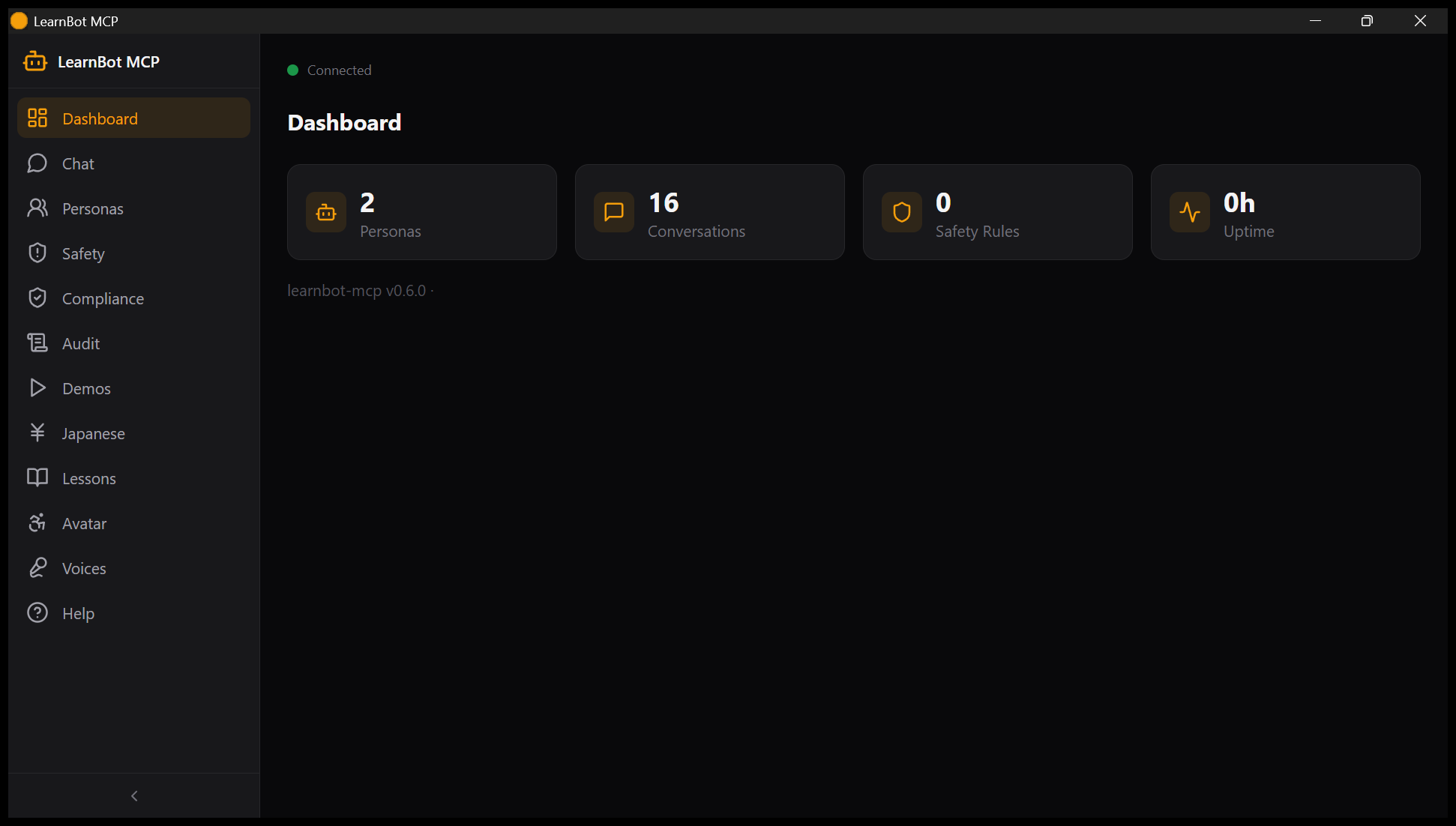
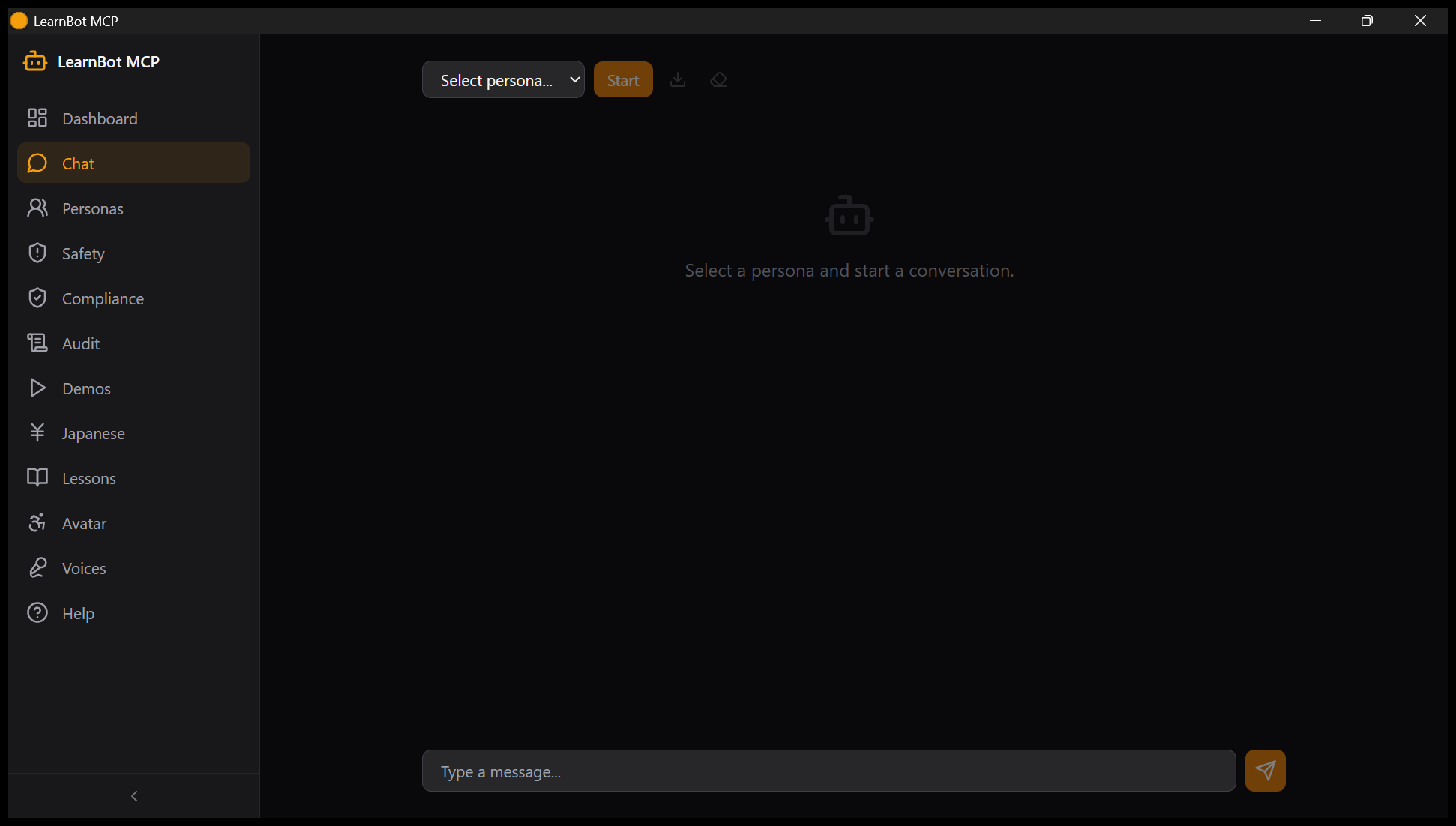
The webapp is a 14-page control panel (Dashboard, Personas, Chat, Safety, Compliance, Audit, Demos, Japanese, Lessons, Avatar, VR, Voices, Settings, Help) - this is the human side of what the MCP tools drive for agents.
| Dashboard | Chat | Japanese |
|---|---|---|
 |
 |
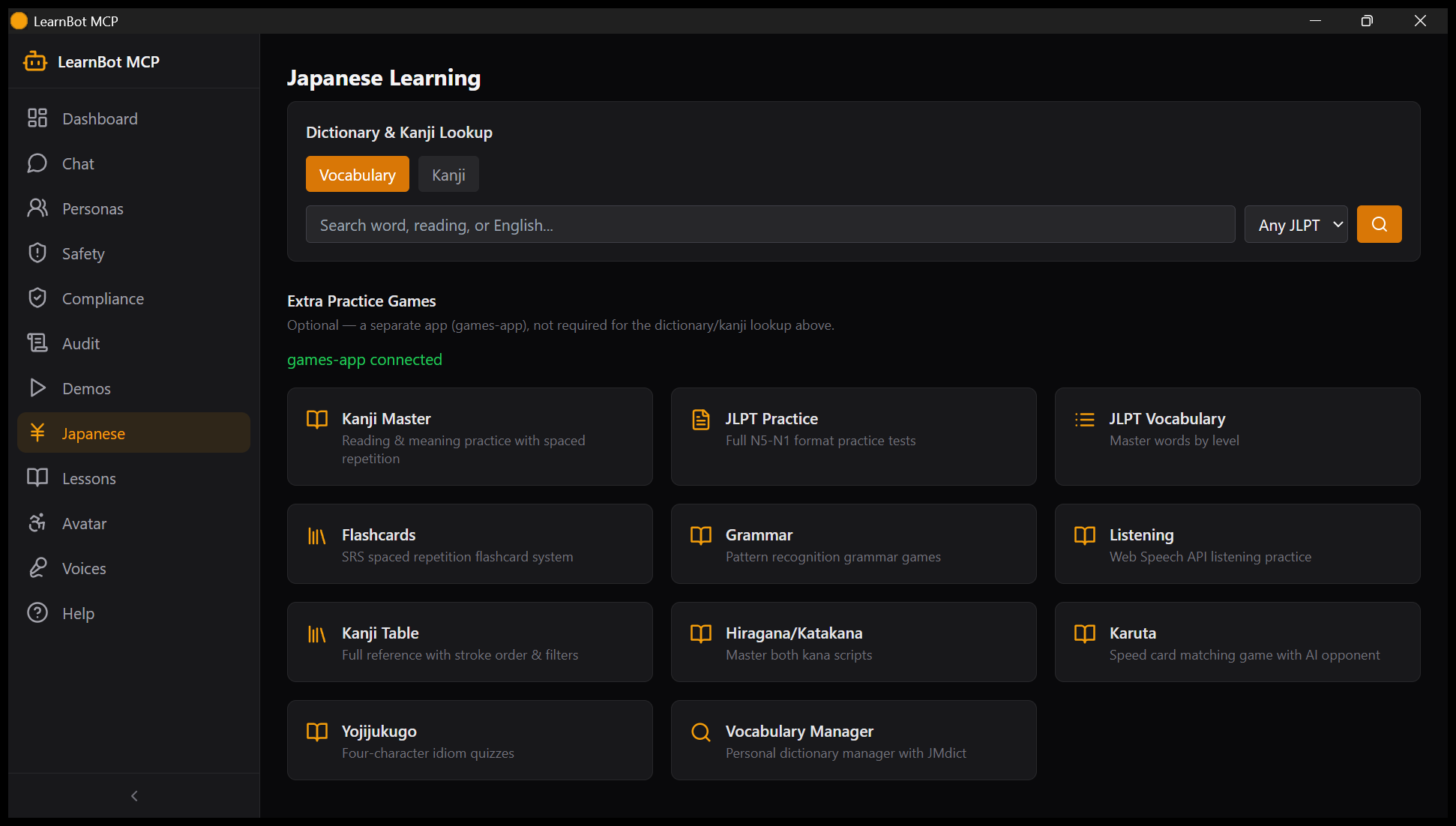 |
Captured 2026-08-02 by the CUA-NSIS smoke test against the installed app
(12 pages, live API data - see docs/screenshots/cua-*.png).
Features
- Personas — define AI characters with backstory, voice, languages, skills, and scheduled proactive messages
- Safety-guarded chat — topic blocking, rate limiting, PII redaction, full conversation audit log
- Interactive VRM avatar (
/avatar) — three.js viewer with orbit/zoom, facial expressions, auto-blink, look-at-cursor; served fromGET /api/avatar.vrm - Language-agnostic lessons — AI-generated lesson plans, spaced-repetition vocab quizzes (SM-2), grammar check, graded readers; every tool takes
source_lang/target_lang, not just Japanese - Deep Japanese/JLPT toolset (
/japanese) — bundled kanji, JMdict, JLPT vocab (N5–N1), and example-sentence lookups run on local SQLite, no external service required — plus 11 linked practice games (kanji drills, flashcards, karuta, listening) from a separate optionalai-games-collection - Multi-platform output — speak via TTS (Gemini prosody via speech-mcp, falls back to Windows SAPI5), or send to Discord/Resonite/Overte/VRChat bridges
- Learn in VR (
/vr) — Dashboard quick-action + launchpad page: Resonite summon (live), Overte greeting-sign spawn (live), classroom quiz loop with spoken JLPT items, VRChat chatbox handoff (last) — see docs/ONBOARDING_VR.md - 41 MCP tools across personas, conversations, lessons, language tools, safety, VR, LLM vendors, webapp tour, and audit — see docs/TOOLS.md
- Self-driving webapp (
webapp_ops, pilot) — the server tours its own UI from an authoritative map:diagnose_webapphealth-checks all 14 pages,demo_webappwalks a narrated preset,speak=trueadds speech-mcp voiceover — see demos/webapp-ops-pilot/README.md
Quick Install
Drag learnbot-mcp-{version}.mcpb onto Claude Desktop.
See INSTALL.md for all install paths (drag-and-drop, mcpb CLI, manual config, dev mode) — manual config is what's actually verified working today.
What You Can Do
"Create a persona named Miko who teaches Japanese, start a chat with her, and quiz me on N5 vocabulary."
"Show me the VRM avatar with a happy expression and have her say hello."
"Generate a beginner Spanish lesson on ordering food, then run it in a new conversation."
"Summon Miko into Resonite and quiz me on N5 vocabulary in VR."
Documentation
| Doc | Contents |
|---|---|
| Installation | All install methods, prerequisites |
| Configuration | Env vars, config options |
| Tool Reference | All 35 MCP tools |
| Development | Contributing, local setup, tests |
| Troubleshooting | Common issues |
| Japanese Learning Guide | Full-spectrum Japanese learning — four skills, phased workflow, JLPT comparison |
| Distance Learning | Paired with classroom-mcp — courses, teaching agents, courseware |
| Arabic → German Integration | دليل بالعربية — learn German for Austrian daily life |
| Chatbot Ethics | Addiction, regulation, pseudohuman dynamics |
| VR Onboarding | Learn-in-VR setup: Resonite/Overte/VRChat tracks, Miko summon, classroom |
Fleet Crossconnects (Companions)
learnbot-mcp works standalone. These optional companions unlock the VR tracks:
| Companion | Ports | Feature | Required? |
|---|---|---|---|
| resonite-mcp | 10979 backend / 10978 frontend | In-world Miko summon (avatar + expression) + classroom session | Optional |
| overte-mcp | 11110 backend / 11111 frontend, domain :40100 | Greeting-sign spawn + persistent classroom entities | Optional |
| vrchat-mcp | 10712 transport (MCP /mcp) |
Chatbox lesson prompts + avatar params (last track) | Optional |
| speech-mcp | 10909 backend / 10908 frontend | JP TTS voice (Gemini Leda default) | Recommended |
Install any companion with its own start.ps1, then open learnbot's /vr page — status dots flip green with zero learnbot restarts.
Requirements
- Claude Desktop (or another MCP client) + Python 3.12+
- Node.js, for the webapp
- Windows for the TTS SAPI5 fallback; core features are OS-agnostic
- Optional: local-llm-mcp or Ollama, for AI-generated lessons/grammar-check/reading passages — the dictionary/kanji/JLPT tools need no LLM at all
License
MIT — see LICENSE.
Installing Learnbot
This server has no published package — it is built from source. Open the repository and follow its README.
▸ github.com/sandraschi/learnbot-mcpFAQ
Is Learnbot MCP free?
Yes, Learnbot MCP is free — one-click install via Unyly at no cost.
Does Learnbot need an API key?
No, Learnbot runs without API keys or environment variables.
Is Learnbot hosted or self-hosted?
Self-hosted: the server runs locally on your machine via the install command above.
How do I install Learnbot in Claude Desktop, Claude Code or Cursor?
Open Learnbot on unyly.org, pick your client tab (Claude Desktop, Claude Code, Cursor) and press Install — the config is generated automatically, no JSON editing.
Related MCPs
Opencode Omniroute Plugin
OpenCode plugin for the OmniRoute AI Gateway. Drives dynamic model discovery, /connect auth flow, and multi-instance OmniRoute providers via the official @openc
 by GitHub Actions
Roblox Studio
Enables AI coding tools to control Roblox Studio for workspace exploration, instance manipulation, and script management. It provides tools for playtesting, sce
 by paralov
Antigravity Drawio
MCP server that enables AI assistants to create, parse, render, and validate Draw.io diagrams programmatically.
 by S-SUJAN-S
Fetch
Web content fetching and conversion for efficient LLM usage.
AWS KB Retrieval
Retrieval from AWS Knowledge Base using Bedrock Agent Runtime.
 by modelcontextprotocol
Spring AI MCP Server
Provides auto-configuration for setting up an MCP server in Spring Boot applications.
llm-analysis-assistant
A very streamlined mcp client that supports calling and monitoring stdio/sse/streamableHttp, and can also view request responses through the /logs page. It also
 by xuzexin-hz
MCP-Agent
A simple, composable framework to build agents using Model Context Protocol by [LastMile AI](https://www.lastmileai.dev)
 by lastmile-ai
Spring AI MCP Client
Provides auto-configuration for MCP client functionality in Spring Boot applications.
mcp.natoma.ai
A Hosted MCP Platform to discover, install, manage and deploy MCP servers by [Natoma Labs](https://www.natoma.ai)
Compare Learnbot with
Not sure what to pick?
Find your stack in 60 seconds
Author?
Embed badge for your README
Browse similar
All ai MCPs